

config/config.lua, and its key in config/credentials.lua.
Choose a provider
config/config.lua
There is no auto-detection. Always set
Config.Upload yourself.Where keys go
Every key goes inconfig/credentials.lua, in the Config.ApiKeys table. Fill in only the provider you use.
config/credentials.lua
Fivemanage
Fivemanage is a media and logging platform made for FiveM. It’s the provider we recommend: one key covers images, video recordings, and your MDT logs.Get 20% off Fivemanage for 3 months
Sign up with our referral link. We earn a small commission, which helps us keep building new features.
Built for FiveM
Made for game servers, with a dashboard to browse and manage every file.
Images and video
Stores CCTV, bodycam, and dashcam recordings, not only screenshots.
Logs included
The same key sends MDT logs to Fivemanage, searchable from the dashboard.
1
Create an account
Sign up at Fivemanage and open your dashboard.
2
Create an API key
Create an API key and copy it.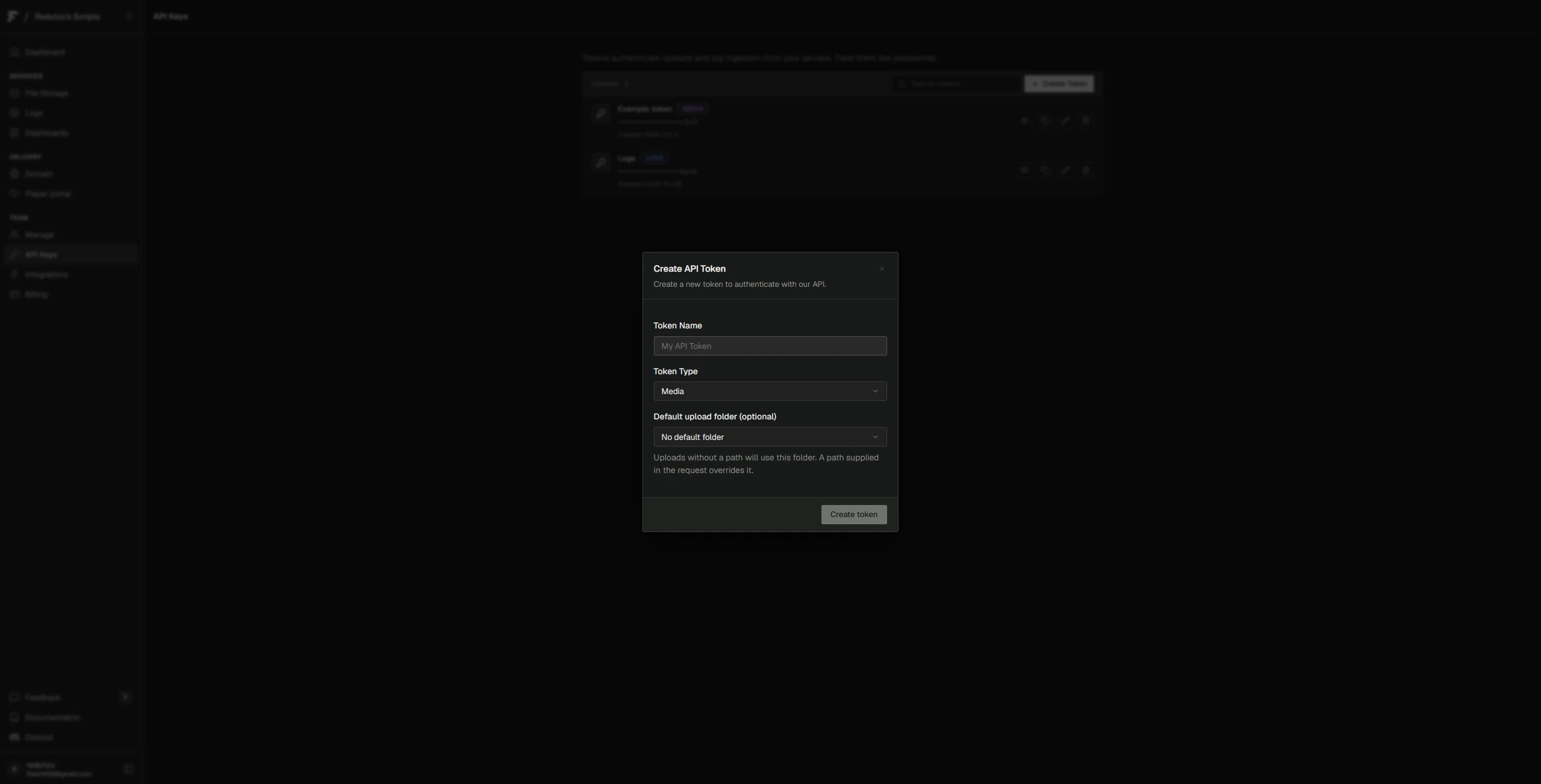
3
Add the key
config/credentials.lua
4
Select Fivemanage
config/config.lua
5
Restart and test
Restart the server, then upload an image in the MDT.
Qbox CDN
The Qbox CDN is a hosted file service from the Qbox team. Files go from the player’s client straight to the CDN, so they don’t pass through your server.1
Get your key
Follow the Qbox CDN guide to create an API key. Copy it.
2
Add the key
config/credentials.lua
3
Select Qbox
config/config.lua
4
Restart and test
Restart the server, then upload an image in the MDT.
Discord
Discord stores files posted to a channel through a webhook. It’s a quick way to try the MDT without an account.1
Create a webhook
In Discord, open the settings of a private channel and go to Integrations. Click Webhooks, then New Webhook, then Copy Webhook URL.
2
Add the webhook
config/credentials.lua
3
Select Discord
config/config.lua
4
Restart and test
Restart the server, then upload an image in the MDT.
Custom
Use'custom' to send files to your own storage or API. Fill in the two functions in server/custom/upload/custom.lua.
Store your key in
Config.ApiKeys.Custom and read it inside Upload.
server/custom/upload/custom.lua
Upload speed
Uploads relayed through your server are capped byConfig.UploadBandwidth, in bytes per second.
config/config.lua
Config.Cameras.Recording:
config/config.lua
Limit image links
Officers can also paste image links. To only accept links from your provider, list its hostnames inConfig.Images.AllowedHosts. Subdomains are included.
config/config.lua