

config.lua or restart the server for these settings.
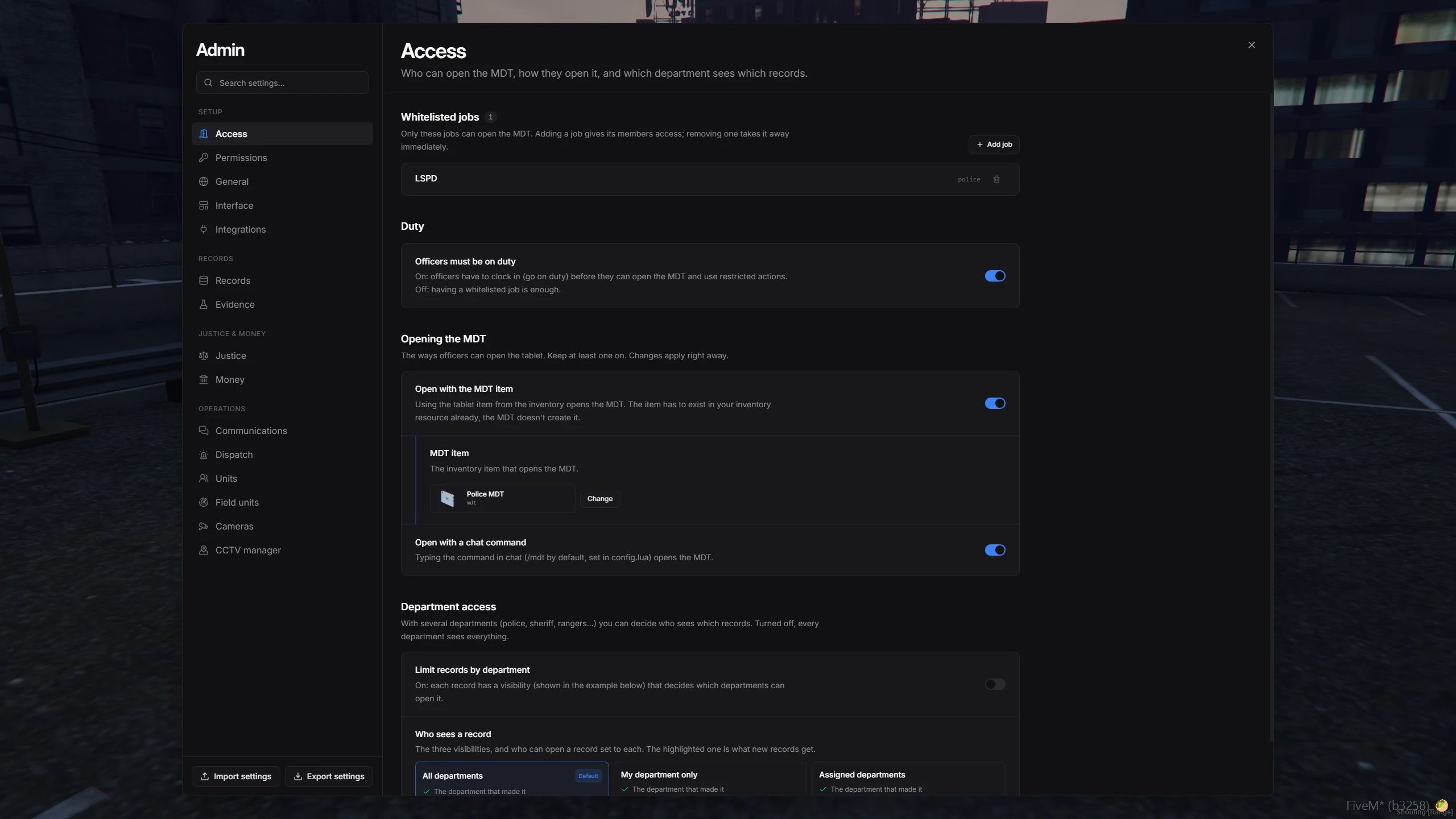
The admin panel, opened on the Access section
Open the admin panel
Run/mdtadmin in-game. The panel opens for any admin, whatever their job.
On standalone servers, add this line to your
server.cfg:
server.cfg
How settings are saved
- Changes apply instantly and sync to every player.
- The MDT saves them in the database, so they stay intact when you update the script.
- Panel values override
config.lua. Anything you never changed in the panel keeps itsconfig.luavalue. - Use Reset section to send a section back to its
config.luavalues.
Sections
Setup
Records
Justice and money
Operations
Move settings between servers
Use the buttons at the bottom of the panel to copy your setup to another server, such as from a test server to production.1
Export
Click Export settings. Every setting you changed is copied to your clipboard.
2
Import
On the other server, click Import settings and paste the text. You see every change before anything is saved. If one value is invalid, nothing is saved.