

- The Logs page inside the MDT, for officers with
logs.view. It’s always on. - One outside service of your choice, set in
Config.Logs.
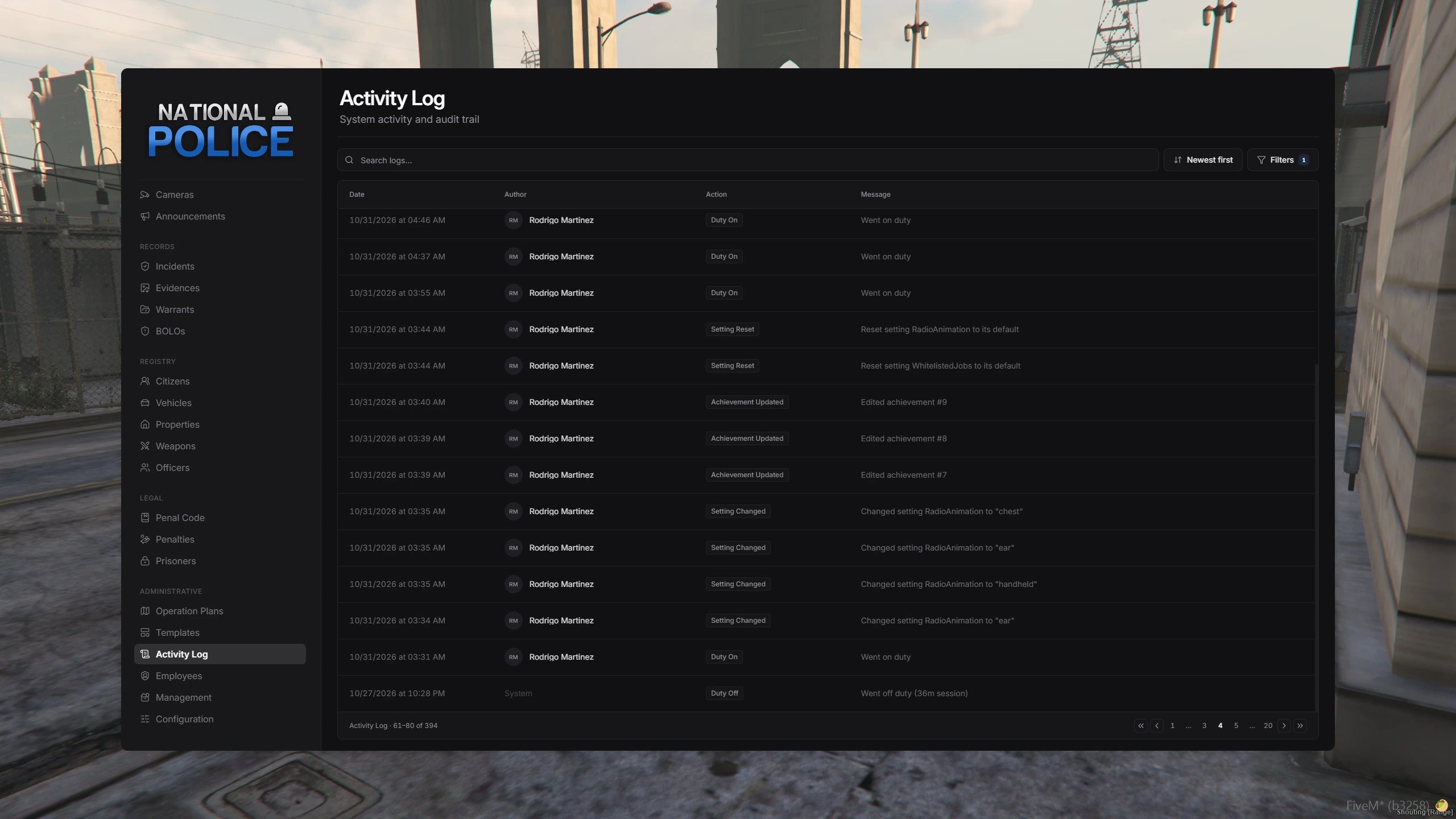
The Logs page in the MDT
Choose a service
config/config.lua
Set
Enabled = false to stop sending logs out. The Logs page keeps working.
Discord
Logs are split into categories. Each category can post to its own channel. Any category leftnil posts to default.
1
Create webhooks
For each channel, open its settings, go to Integrations, then Webhooks, and click New Webhook. Copy the URL.
2
Add them to credentials.lua
config/credentials.lua
3
Select Discord
config/config.lua
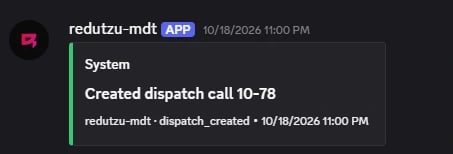
A log posted to Discord
Discord allows about 30 messages a minute per webhook. The MDT queues logs and spaces them out, so nothing is lost on busy servers. Spreading categories across several webhooks makes them arrive faster.
Fivemanage
Fivemanage stores your logs in one searchable dashboard. If you already use it for media uploads, the same key works.1
Add your key
config/credentials.lua
2
Select Fivemanage
config/config.lua
Dataset is the Fivemanage dataset the logs are saved to. Use a separate one, such as 'mdt', to keep MDT logs apart from your other resources.ox_lib
Sends every log through ox_lib’s logger. On its own, ox_lib only prints logs to the server console. To send them somewhere, add one of these sets of convars toserver.cfg:
File
Writes one plain-text file per day to the resource folder, such asmdt-log-2026-11-02.log. There’s nothing to set up.
mdt-log-2026-11-02.log
Keep the Logs page small
The Logs page saves every entry in themdt_logs table. On busy servers, set how many days to keep them:
config/config.lua
/mdtadmin, under Records.
Send logs anywhere
Every log fires theredutzu-mdt:log:created server event. Listen to it to send logs to your own service.
server.lua
server/custom/logs/ are complete examples.