

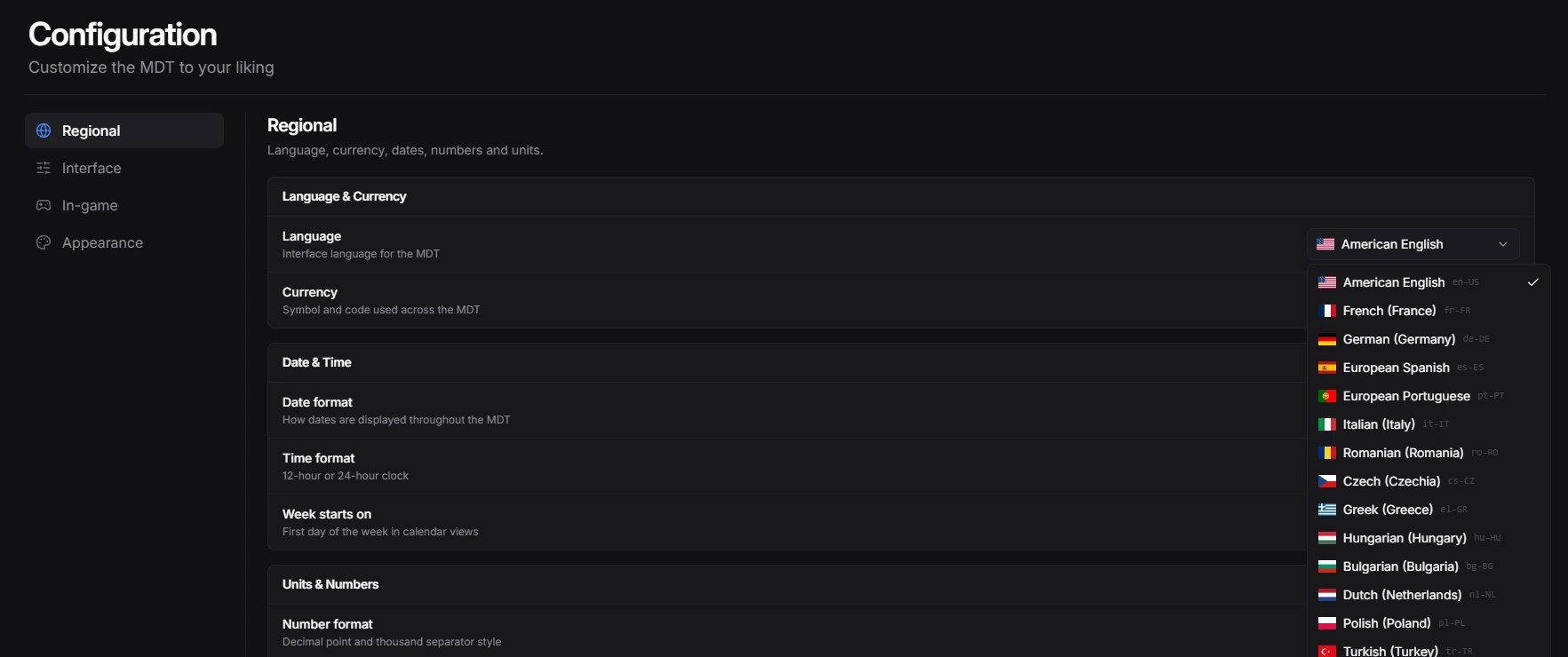
Officers pick their language in their MDT settings
Languages and formats
There are two language settings:- Admin panel
- config.lua
1
Open General
Run
/mdtadmin and open General.2
Pick the languages
Under Language & formats, choose the Server language and the Available languages.
3
Set the formats
Choose the currency, date and clock format, number format, units, temperature, and phone number format. The preview shows how each one looks.
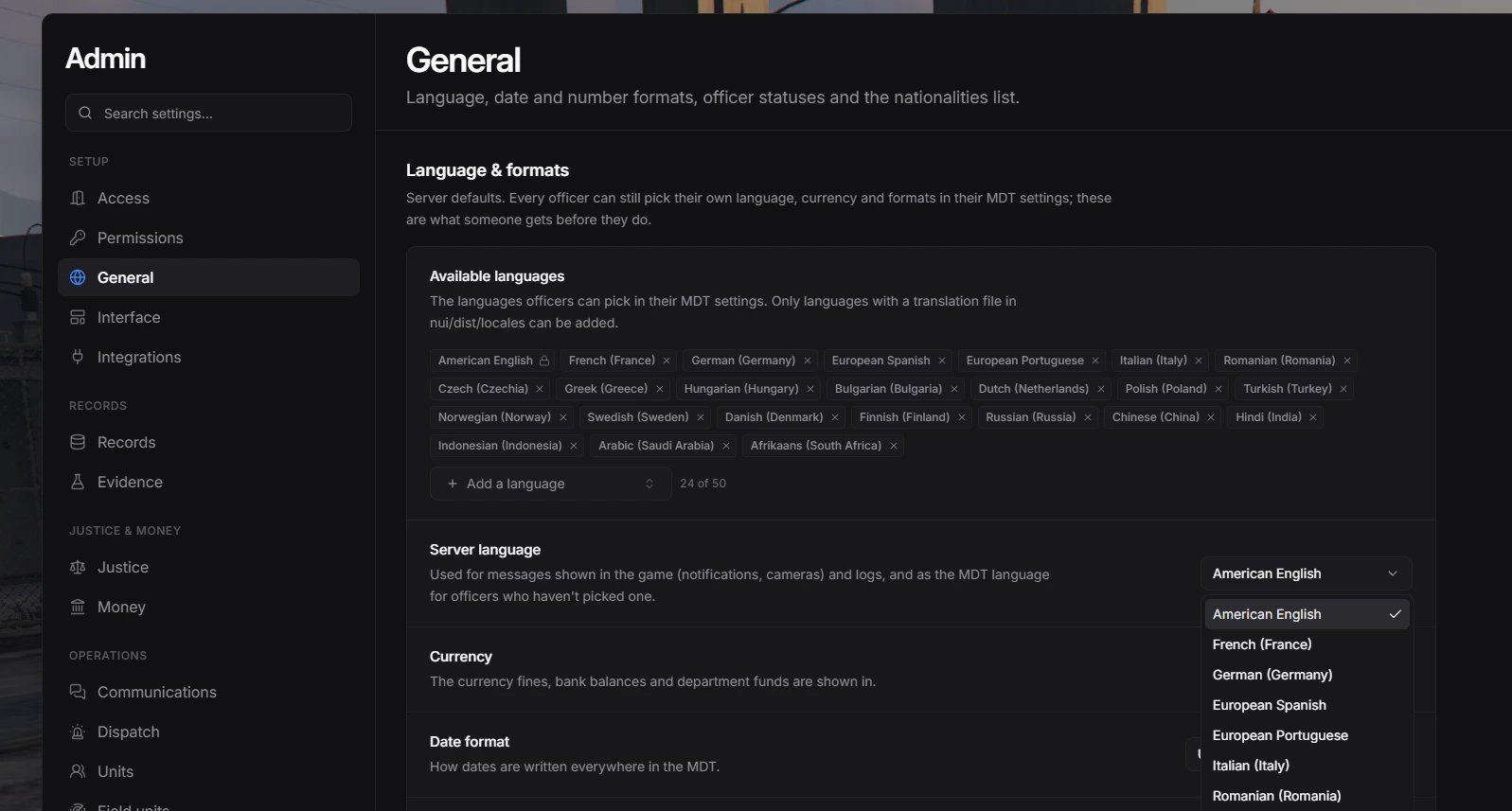
Language and format settings in the General section
The phone format is a template.
{3} means “3 digits go here”, and anything else is shown as typed. ({3}) {3}-{4} turns 5551234567 into (555) 123-4567.Formats.Birthdate tells the MDT how your framework stores birthdates. It’s only used when a date like 03/05/1990 could be read either way.
Included languages
en-US, fr-FR, de-DE, es-ES, pt-PT, it-IT, ro-RO, cs-CZ, el-GR, hu-HU, bg-BG, nl-NL, pl-PL, tr-TR, no-NO, sv-SE, da-DK, fi-FI, ru-RU, zh-CN, hi-IN, id-ID, ar-SA, af-ZA
Each language is one JSON file in nui/dist/locales, such as nui/dist/locales/de-DE.json.
Edit a translation
1
Open the file
Open the language file in
nui/dist/locales, such as de-DE.json.2
Change the text
Find the text you want to change and edit the value on the right. Never change the keys on the left.Keep placeholders such as
nui/dist/locales/en-US.json
{{name}} or {{count}} exactly as they are. The MDT fills them in.3
Restart
Restart
redutzu-mdt. Players who had the MDT open need to reopen it.Add a new language
1
Copy the English file
Copy
nui/dist/locales/en-US.json and name the copy after your language code, such as ja-JP.json. Keep it in the same folder.2
Translate the values
Translate every value. Leave the keys and the
{{placeholders}} as they are.3
Restart the MDT
Restart
redutzu-mdt so it finds the new file.4
Enable the language
In
/mdtadmin, open General and add it to Available languages. To make it the server language, pick it as Server language too.Or add it in config/config.lua:config/config.lua
The admin panel only lets you add a language whose file exists in
nui/dist/locales. The file name must be a language code, such as ja-JP or pt-BR.Share your translation
Made a new language or fixed a translation? Send it to us on Discord and we’ll include it in the next update.